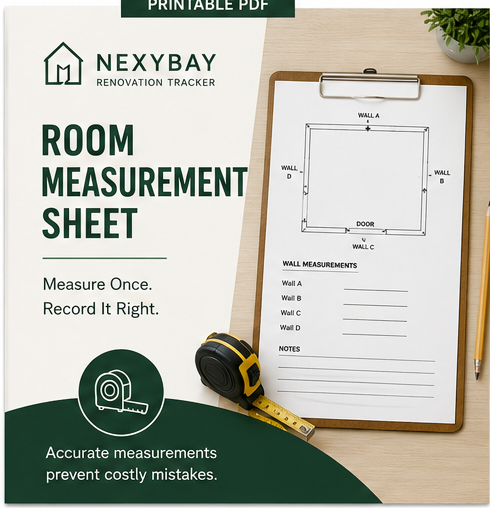
Printable PDFAvailable now
Room Measurement Sheet
A two-page worksheet for recording walls, openings, utilities, fixed features, sketches, photos, and field notes.
Download PDFNexyBay Resources
Practical tools to help you measure, compare, prepare, and make decisions before recording the important details in NexyBay Renovation Tracker.
Use paper when it is practical. Keep your permanent renovation record in NexyBay.
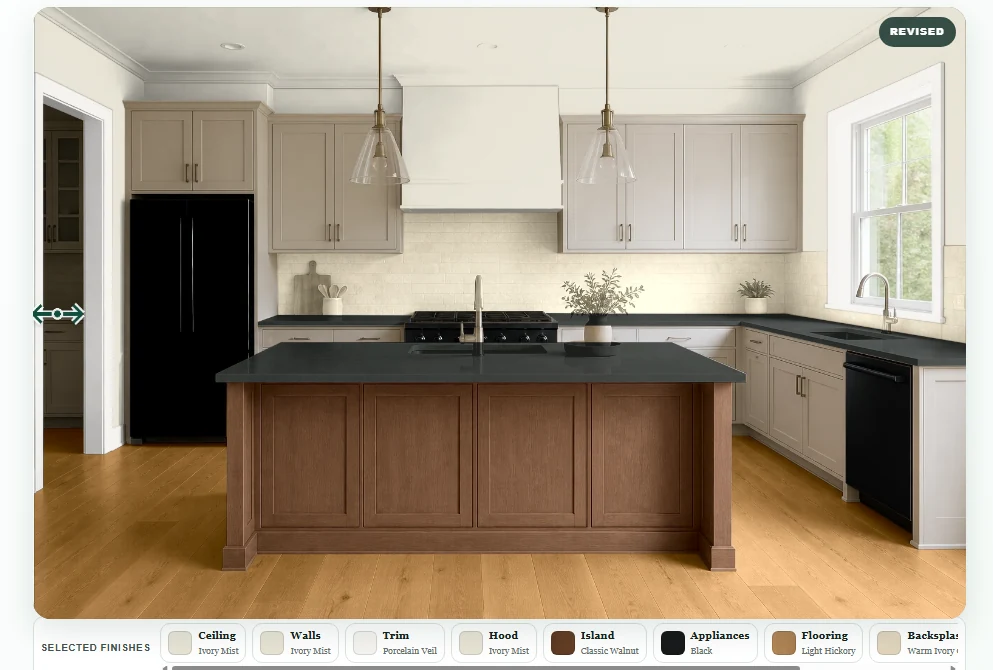
NexyBay Room Planner
Explore coordinated finishes in Kitchen, Bathroom, and Bedroom scenes before making renovation decisions. Try paint, flooring, cabinetry, countertops, appliances, tile, carpet, and more.
Field Printables
These focused sheets are intended for measuring, inspecting, and making quick notes on-site. They do not replace your Dashboard.
A two-page worksheet for recording walls, openings, utilities, fixed features, sketches, photos, and field notes.
Download PDF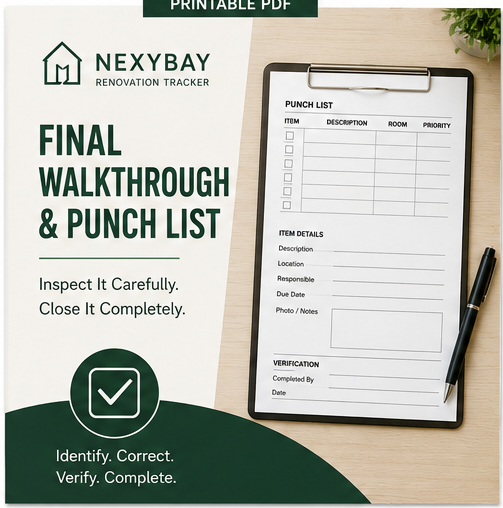
A three-page inspection and closeout worksheet for documenting corrections, responsibility, deadlines, and verification.
Download PDFYour Dashboard remains the permanent record. Transfer important measurements, notes, photos, and follow-up tasks into NexyBay after the on-site work is complete.
Planning Guides
Short, practical articles will help homeowners prepare and make decisions without creating a second project-management system outside your Dashboard.
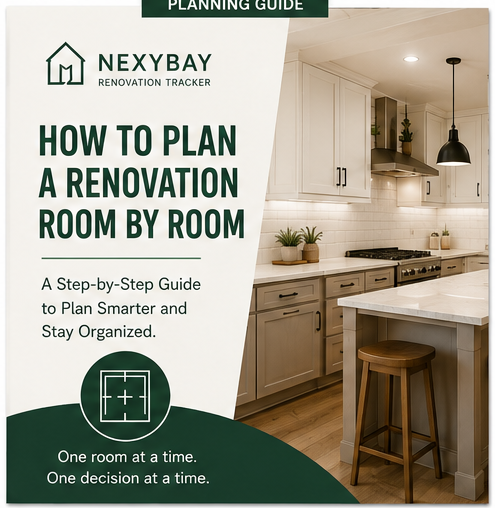
Organize scope, measurements, tasks, budgets, materials, documents, changes, and final walkthroughs one room at a time.
Read Guide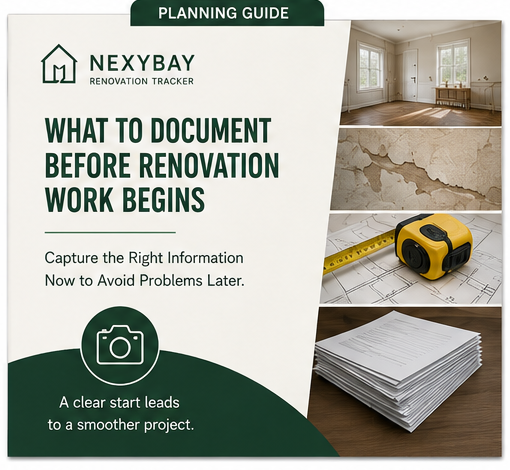
Photograph existing conditions, record measurements, organize contractor documents, and establish a dependable starting point.
Read Guide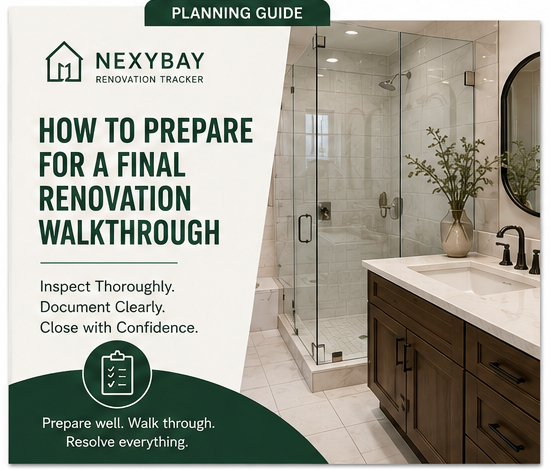
Inspect completed work, document unfinished items, build a clear punch list, and organize project closeout.
Read GuideOne organized renovation record
Resources can help you prepare, but NexyBay Renovation Tracker keeps the lasting record of your tasks, expenses, receipts, photos, documents, deadlines, and project progress.